Karpathy's LLM wiki looked familiar. Here's how to bootstrap your own in 5 minutes.
Andrej Karpathy described exactly what I've been doing for the past few months. Here's a template to get started in five minutes.
Two current pain points with AI:
(1) Everything is stateless. Close a session and you’ve lost all the knowledge gained in it.
(2) The most productive way to work is by spinning multiple plates in the air and hopping between AI agents in async workflows, which can create major context switching pain and lead to AI brain fry.
Andrej Karpathy had a recent post that took off describing what he calls an LLM knowledge base. This looked incredibly familiar to me because it’s been how I’ve been spending my day-to-day the last few months. Living in a similar Obsidian-powered markdown vault. I’m in this all day, every day.
This works incredibly well. And you can use it too.
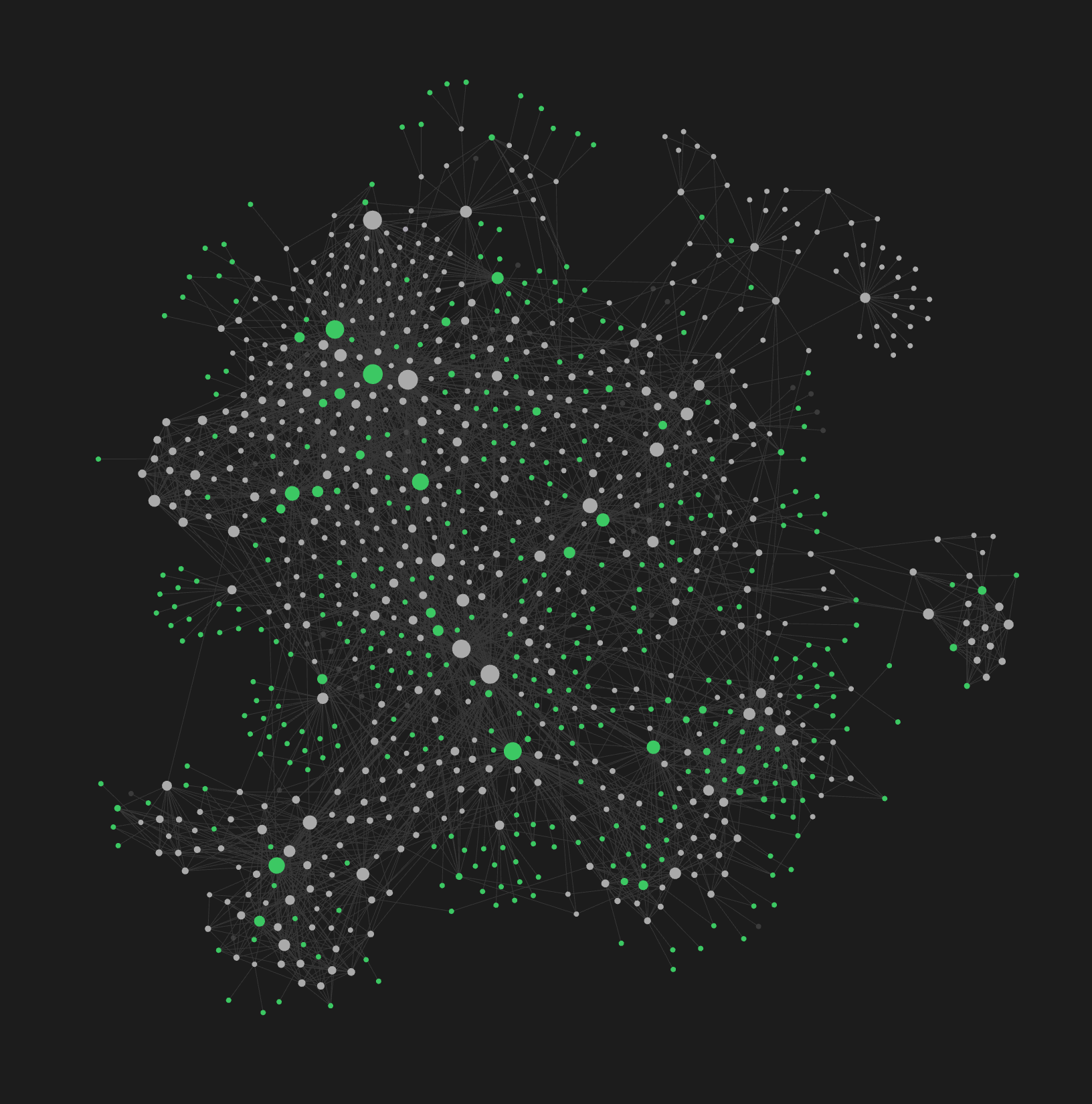 Legally required to show a graph view when Obsidian is mentioned. Each node is a note, each edge is a frontmatter link. Very useful for day-to-day, but it does look cool.
Karpathy’s approach: raw sources get compiled by an LLM into a wiki of interlinked markdown files, queryable and self-maintaining. He published a gist with the full pattern.
This solves both pain points.
(1) It gives your AI a memory layer that follows progressive disclosure principles. Easy to search, easy to find, just-in-time information about whatever you’re working on, wherever you’re working on it.
(2) It reduces context switching by giving you one central place to work. I run Claude Code, Codex, or Pi directly in the vault and point it at whatever repo I need. I keep a repo map with file paths as a note so the AI knows where everything lives. I can work on any project, any codebase, anything from this one place.
I’ve also extended it to connect to my day-to-day. Skills that triage my messaging apps and report back to me. A weekly review that pulls the most important Notion pages, reads all the links, and summarizes what I need to know. Task management built in. The vault becomes the hub for everything, not just notes.
One thing I’d add to Karpathy’s pattern: the vault I use builds a graph structure through rich frontmatter metadata. Every note has up:, related:, and tags: properties that create navigable relationships. This makes it even easier to search and hop around. Find one note, follow the links to everything connected to it.
The main difference I’ve learned from doing this day-to-day is that it’s essential to curate and encode your taste so that it compounds over time. The AI won’t have your taste on its own. But the more you encode it, the more the AI can run on rails without intervention.
The two main ways I do this:
- Staging and curation. Capture things to a staging directory, process them with AI, provide feedback. Make sure it doesn’t turn into AI slop. Add curation where it counts.
- Session capture. A skill that reviews our work at the end of a session and persists the lessons learned. What worked, what to encode for next time.
In practice this means keeping your CLAUDE.md/AGENTS.md updated, adding skills for recurring tasks, and running health checks on the vault itself to keep it clean as it grows.
This is a compounding loop. The more you do this, the more your taste is encoded, the more you can hand off.
Getting started
I’ve put my setup on GitHub as a template so you can get up and running in a few minutes:
1. Get a copy:
Click “Use this template” on ai-memory-vault, or:
git clone --depth 1 https://github.com/safurrier/ai-memory-vault.git my-vault \
  && cd my-vault \
  && rm -rf .git && git init && git add -A && git commit -m "init vault"
2. Open in Obsidian, enable the bundled plugins (obsidian-git, breadcrumbs, dataview).
3. Personalize:
claude
# Then:
/personalize
4. Take the tour:
/tour
Optionally enable the productivity module for daily/weekly workflows and task management.
Bonus: it’s just files in a folder
This is just a GitHub repo of markdown files. I don’t even use the Obsidian front end much except on mobile. Most of the time I’m looking at the text in nvim. Obsidian is the mobile client and the graph view, not the primary interface.
Since it’s just a git repo, I set up obsidian-sync for automated sync so the vault lives everywhere. On your phone, on remote machines, synced across devices.
It lives everywhere you work. It sees everything you do. And if you capture every improvement, every lesson, every workflow that clicks, then maybe you really are building a second brain.