My AI Dev Flow in 10 Bullet Points
No theory, just the setup — how I actually work with AI tools day to day
How I work everyday, just the straight juice.
-
Living in terminal
I’m a terminal person, and I live in tmux sessions with panes for nvim, Claude Code, Codex, and zsh. I use a bash command for quickly spinning up worktrees in the current repo with my preferred tmux setup in a new session. fzf session finder to swap between them — typically ~10 sessions going, 3-4 main ones and the rest I hop to for incremental progress when all the AIs are busy -
Claude Code for implementation, Codex for architecture
Claude Code is great for implementation and working through bugs. Codex is a better software engineer — match the complexity of the problem to the planner/implementer. Codex is also willing to work longer. -
Claude Code as my “Personal OS”
Currently have everything I need to work connected to it (notes, repos, communication platforms, company knowledge base). At least one way to combat the burnout of context switching and multithreading your brain. Staying in one place and not ADHD-switching everywhere is more… calm. -
Obsidian for all notes/context
Pulling from company knowledge base (Notion), tracking work items in an organized way to capture efficient context for AI coding agents. It’s my own system that compounds over time. Just enough structure, with AI now useful enough to keep things organized (no productivity porn). Easy to add .skills to improve workflows -
Yolo mode always
-
Skills + personalization in plugins
Managed from a dots repo -
Focus on good context + planning + verification
Over nitpicking the code -
Investing in making work easier for AI
Capture system design + state + principles in docs. Whenever hitting an issue or working through something complex, capture what actually worked and the gotchas into reference docs that live in the repo. Invest in integration + e2e tests wherever possible. Avoid AI slop tests (mock and patch nightmares). Goal: build your own conformance testing suite -
Anytime something sucks or breaks
Update the context/skills so it’s better next time. Or build a tool to work around it -
Crucial workflow
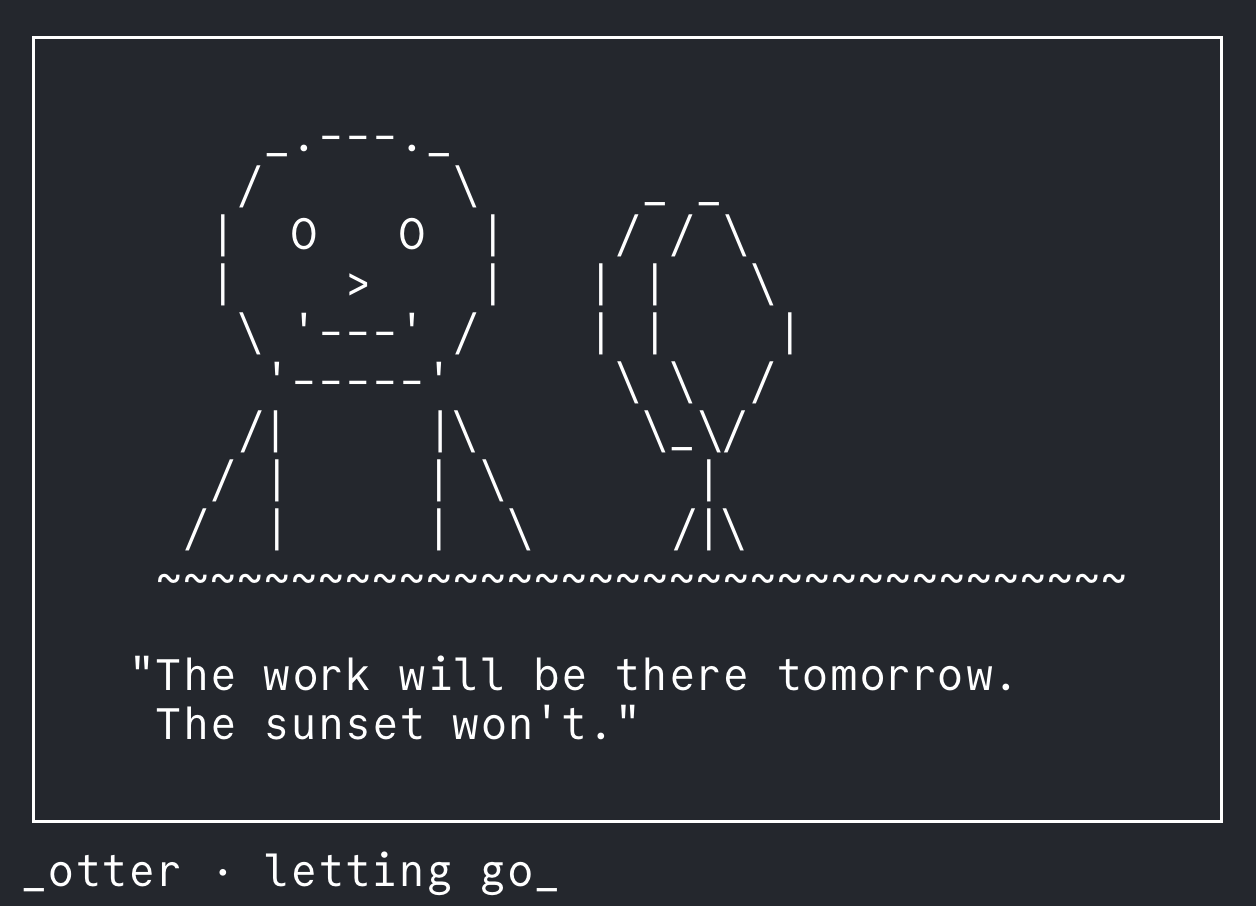
I created a slash command that runs when I start/end my day and generates inspirational ASCII art + a quote from random seed words